The instructions are valid for a payment card that is not registered anywhere in our system in any form (plastic card, payment card in mobile phone or watch).
Basic transfer ticket for 60 min.
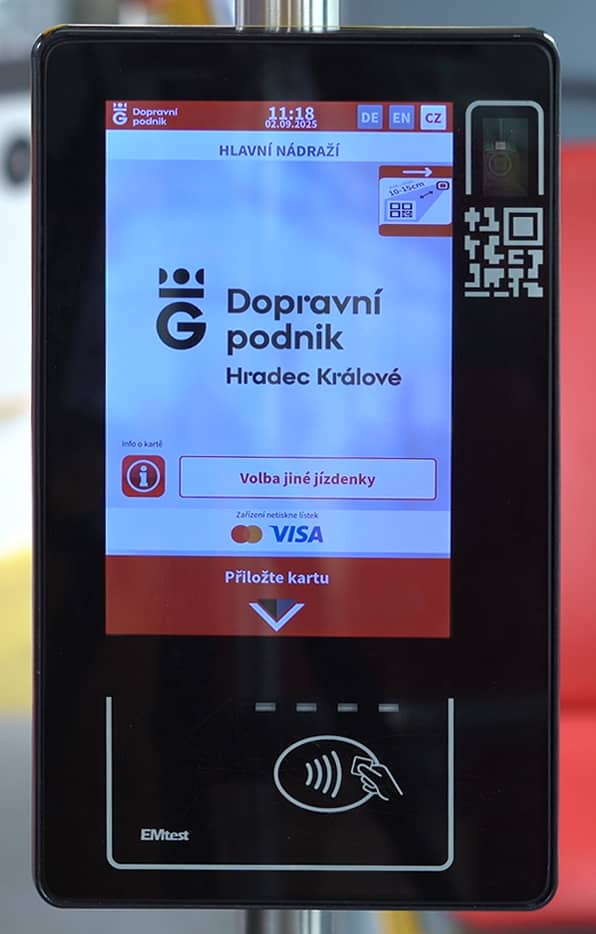
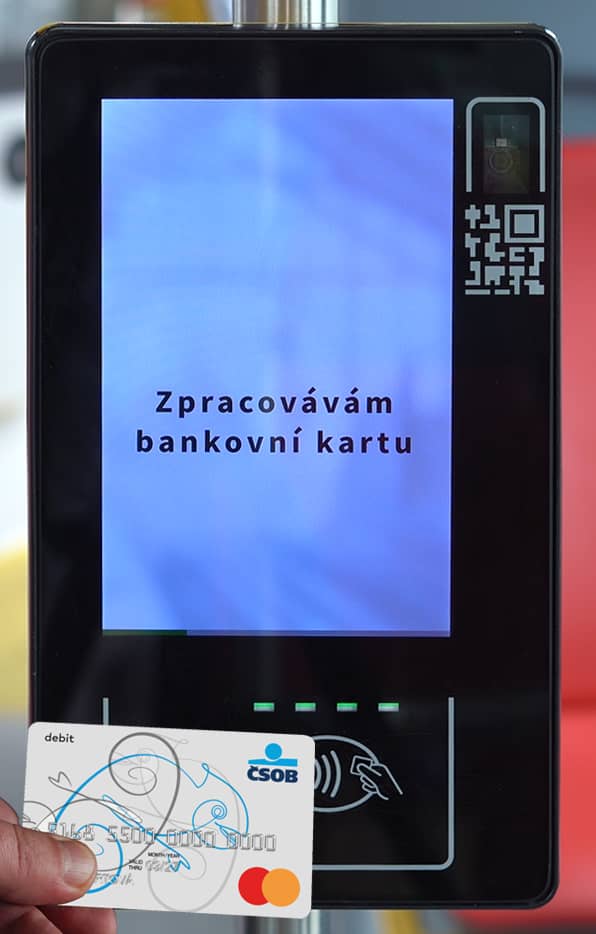
1. Attach the credit card directly
There is no need to set anything in advance on the display.
2. When the four LEDs light up, remove the card
Should the system fail, this information will be displayed.
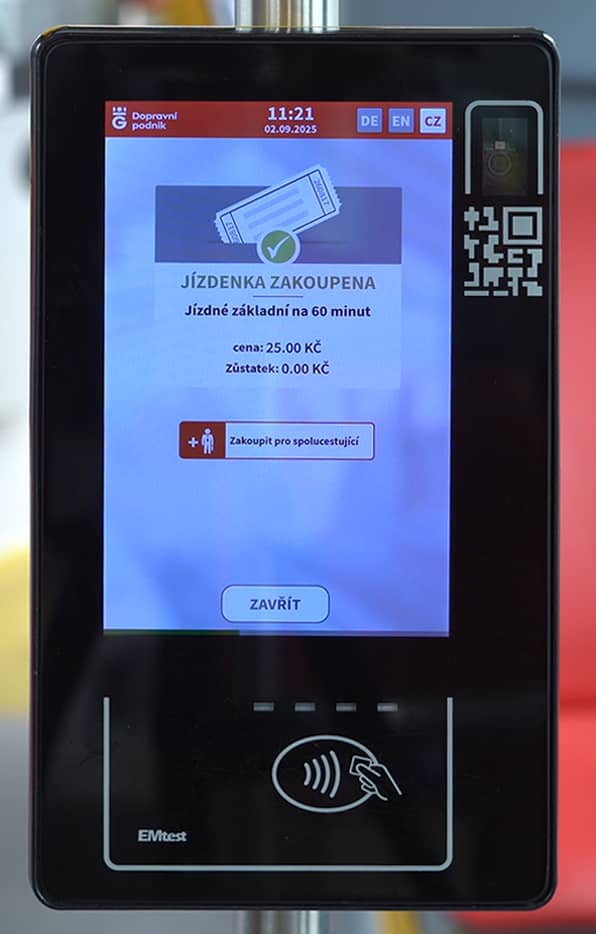
3. The system confirms the purchase of the ticket
In the case of an inspection by an inspector, you attach the same card to his portable reader.
Basic non-transfer ticket for 10 min.
1. Attach the credit card directly
When the four LEDs light up, remove the card. The system will confirm the purchase of a basic ticket for 60 minutes for 25 CZK.
2. Re-attach the card before performing
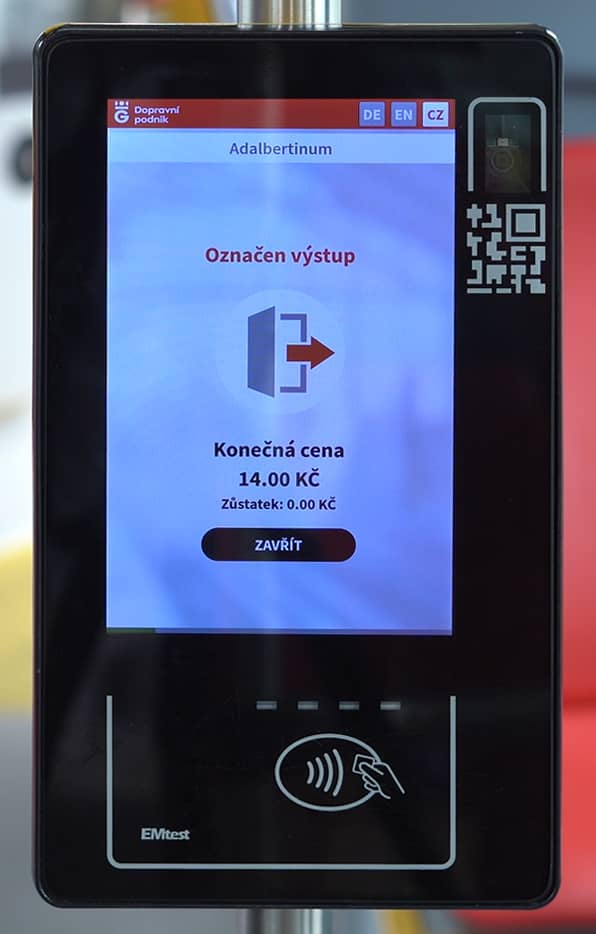
Wait for all four LEDs to light up. You can mark the exit as soon as the car starts from the penultimate stop of the planned journey.
3. The system changes the ticket to the 10 min. variant
In the case of an inspection by an inspector, you attach the same card to his portable reader. The journey time is calculated for a 10-minute ticket according to the timetable.
Discounted tickets
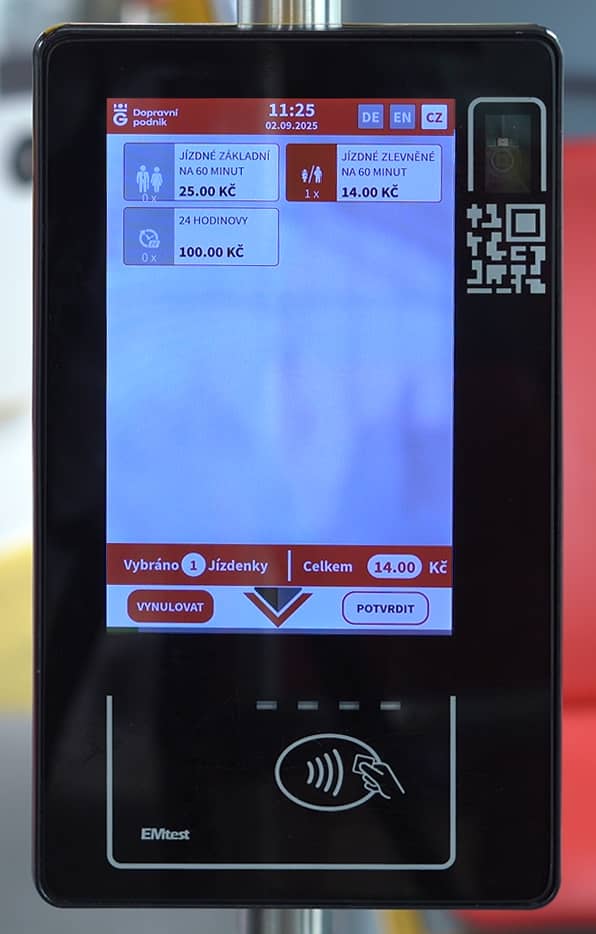
1. Press the button Select another ticket
It is located on the bottom right.
2. Select the tickets and confirm with the button
You can choose one or more tickets. The Confirm button is on the bottom right.
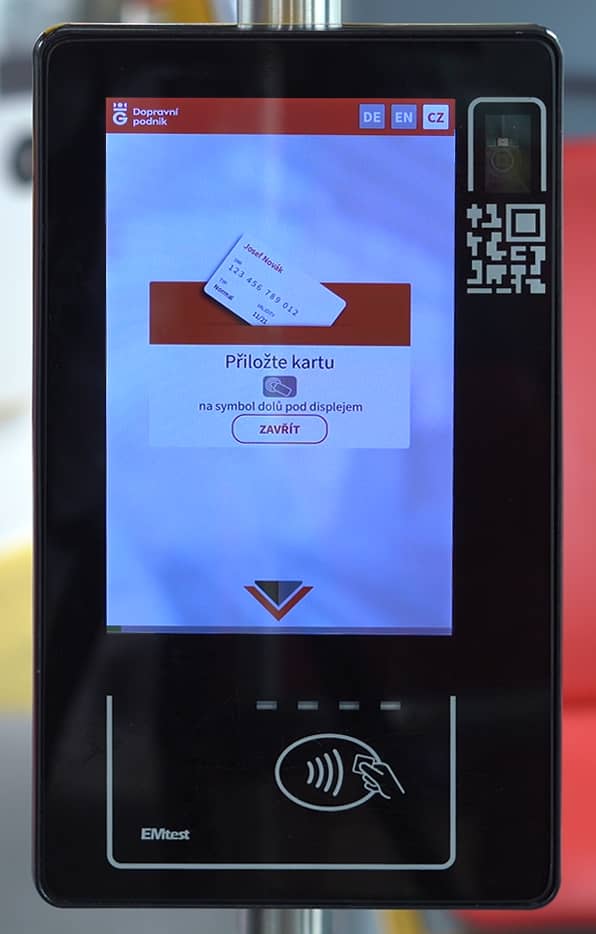
3. Attach the card
Wait for all four LEDs to light up.
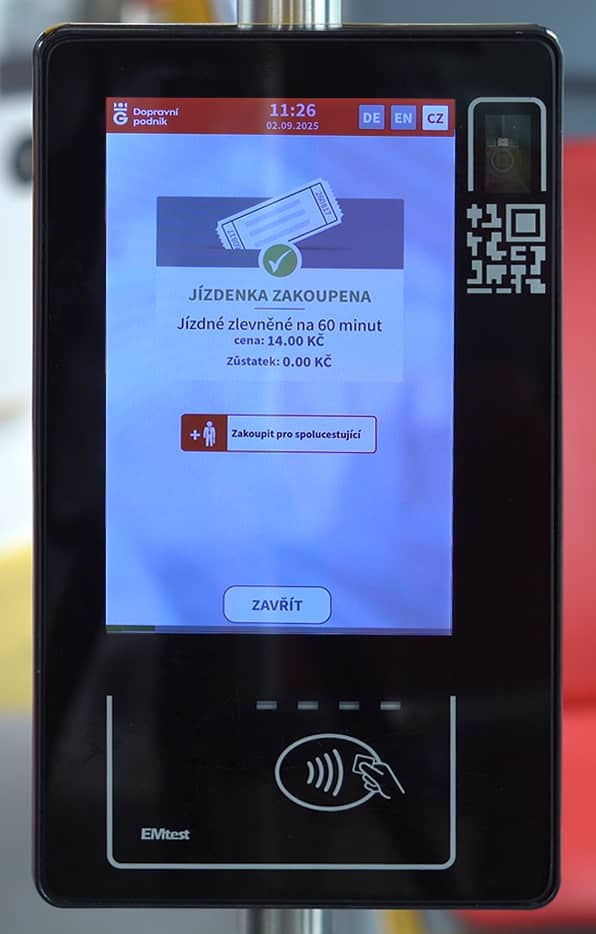
4. The system confirms the purchase
In the case of an inspection by an inspector, you attach the same card to his portable reader.
Frequently Asked Questions
How can I buy a 10-minute discounted ticket?
To use this type of ticket, you must first register in Client zone.
How long will it take to withdraw the money from the account?
Mastercard cards will be blocked immediately after the first purchase for CZK 1. Visa cards, on the other hand, do not have any blocking. Payments are made in the so-called off-line mode, where payments for individual tickets are added up over a certain period, which is determined by the rules of the card associations. It therefore takes varying amounts of time to make a payment from your account. For Visa cards, the settlement takes place within 2 days. In contrast, Mastercard cards take at least 6 days.
How do I get a tax receipt for a card payment when I buy a ticket in the car?
V Client zone in Cards and tickets link on the top right. In the form field, enter part of the variable symbol (after the *) of the payment from your bank statement and press the view button. No ticket is printed in the car after payment.

 EN
EN